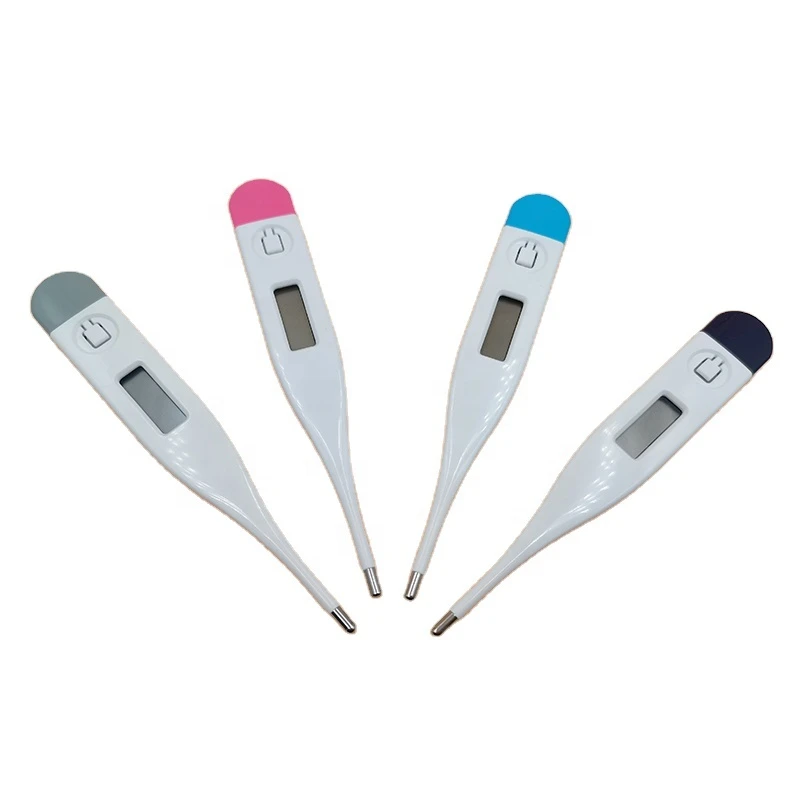
1. Check the battery indicator:
Most digital thermometers will display a low battery indicator (such as a flashing battery icon or the word "LOBAT") when the battery is low.
If the thermometer displays abnormally or fails to turn on, the battery may also be low.
2. Open the battery compartment:
Find the battery compartment cover on the thermometer, usually on the bottom or side of the device.
Use a small screwdriver or fingernail to gently pry open the battery compartment cover.
3. Replace the battery:
Remove the old battery and pay attention to the positive and negative directions of the battery.
Install the new battery, making sure the positive and negative poles are placed correctly.
Reinstall the battery compartment cover and make sure it is secure.
4. Test the device:
Turn on the thermometer and check if it is working properly.
If the thermometer still does not work properly, you may need to check whether the battery is installed correctly or the battery is damaged.